Audit log
The organisation Activity page records every notable change in the organisation — who did what, when. Use it to investigate an incident, confirm a change went through, or build a paper trail for compliance.
Prerequisites
- An organisation you're a member of as owner or admin. Members can't see the activity log.
What's recorded
The log includes (but isn't limited to) entries for:
- Members and roles — invitations sent and accepted, role changes, ownership transfers, members removed.
- Projects — projects created, updated, deleted, and (when applicable) restored.
- Organisation settings — name changes, project-access toggle flipped on or off.
- Support access — when a member granted Breqwatr support access to their account, and when support signed in under that grant.
Every entry captures the actor (the user who performed the action, or "system" for background-job entries), the timestamp, and a short description with any relevant details (the new name, the target member, etc.).
Steps
-
Open the organisation's Activity page from the side navigation.
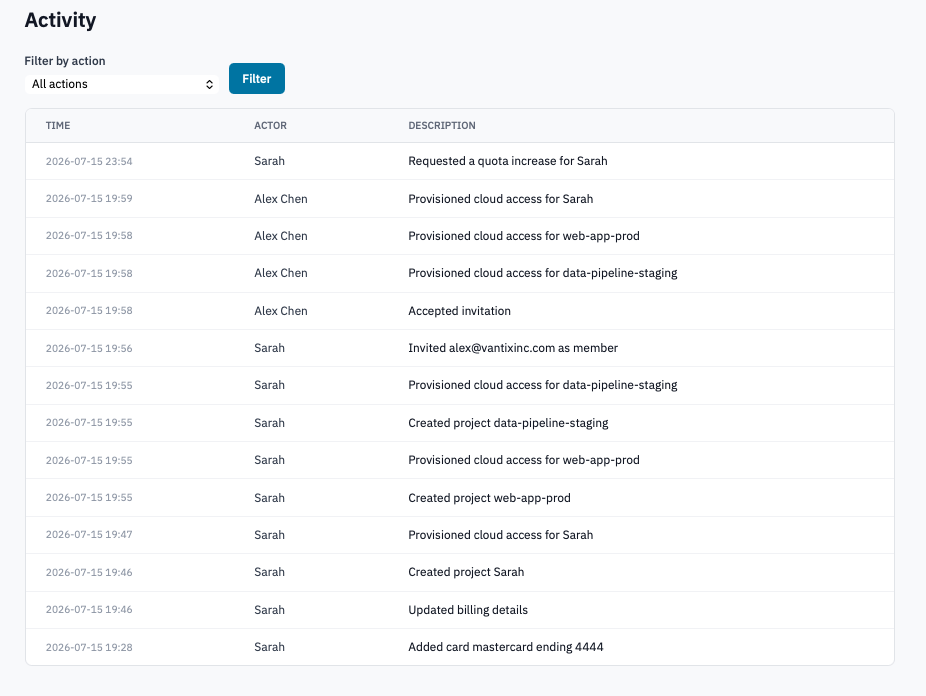
Activity page with the most recent 100 entries.
-
(Optional) Narrow the view by picking an action from the Filter by action dropdown and clicking Filter.
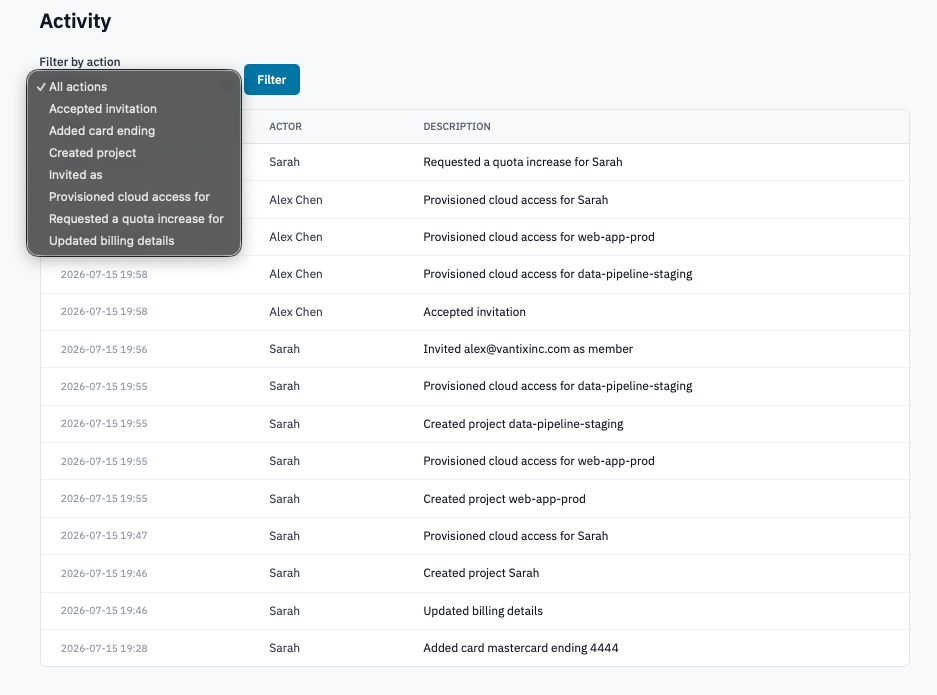
Activity page with the action filter expanded.
The dropdown only lists actions that have actually occurred in your organisation, so it stays short.
-
Each row shows the Time (in your profile timezone — see Manage your profile), the Actor, and the Description.
Verification
- A change you just made appears at the top of the list within seconds. If it doesn't, the action either isn't audited or it hasn't finished yet (some actions log on completion of a background job, not on submission).
Limits
- The page shows the most recent 100 entries, filtered or not. Earlier entries aren't paginated yet — for long-running investigations, narrow the filter to the action you care about.
- Activity older than the deployment's retention window is purged. Check with your administrator if you need access to historical audit data.
Next steps
- Manage member roles — role changes and removals are some of the most useful filters here.
- Organisation settings — setting changes are logged with both the old and new value.